Claude has always been a great efficiency enhancer for video content creators. Creators use it to come up with video ideas, thumbnails, script translations, and a lot more.
But can it – on its own – open Adobe Premiere, cut a clip, or export a thumbnail?
With the latest Claude connectors for video generation — yes, it can! Anthropic opened the Claude connectors’ marketplace in September 2026 with 2000+ connectors and plugins.
Some of them let Claude reach into the apps most content creators already use, like Adobe or Picsart – read the project’s context and complete actions inside those connected apps.
We’ll review 5 such Claude connectors in this blog and explain how content creators should use them.
What Are Claude Connectors and How Do They Work?

Connectors are open-standard integrations developed by Anthropic.
They let Claude read data from, and send instructions to, external applications (with the user’s permission), be it your Adobe library or your Tella workspace.
You can find them on the Claude connectors’ marketplace:
- Open settings
- Go to connectors
- Add what you need
- The connectors will act on your account and use your existing credits, subscriptions, and permissions
With the connectors, you can send plain-English editing commands to the connected software, and then make it perform the actual rendering.
That way, you can directly prompt Claude to trim down video clips, edit video layers, or schedule your video posts.
No more endless app-switching to complete these tasks. You can do most of your work via Claude!
5 Must-Use Claude Connectors for Video Generation and Creative Work
These 5 connectors simplify 5 key aspects of content creation:
1. vidIQ for Research
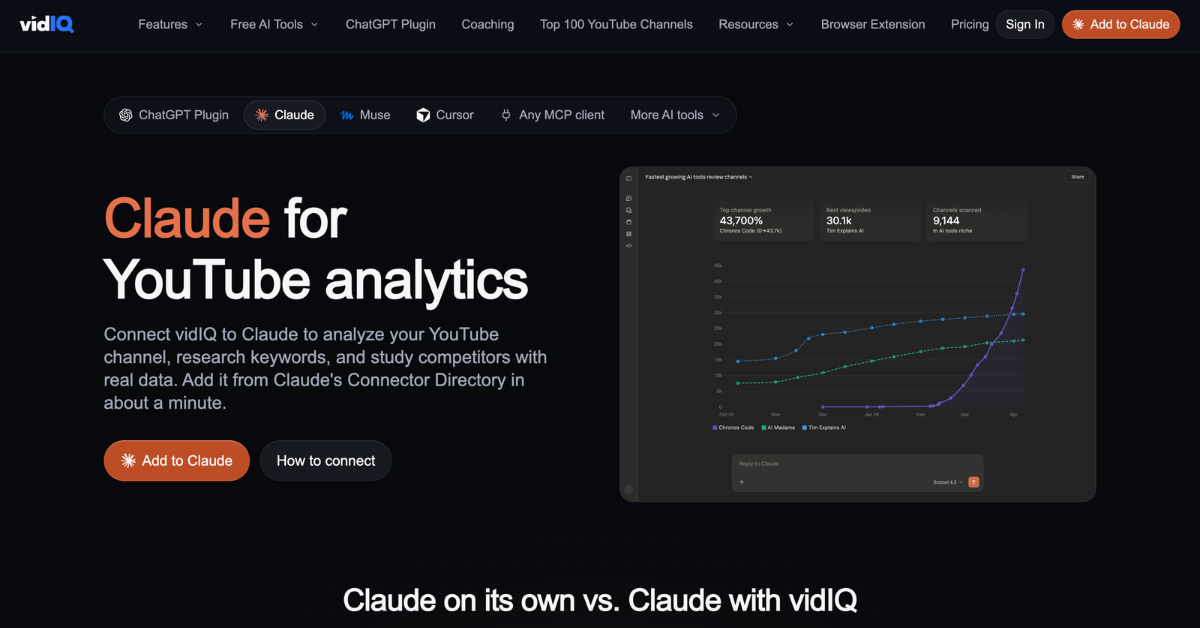
Want to know which keywords, trends, and topics competing creators are following on YouTube and Instagram? With vidIQ, you can import all of that data on keyword volume, outlier videos, competitor channels, comments, transcripts, and title/thumbnail scores into your Claude workspace.
The video ideas, briefs, and scripts you generate with Claude after importing that data will be far greater in quality! You can add vidIQ directly from the connectors’ directory.
2. Runway for Generating B-Roll and Original Video Clips
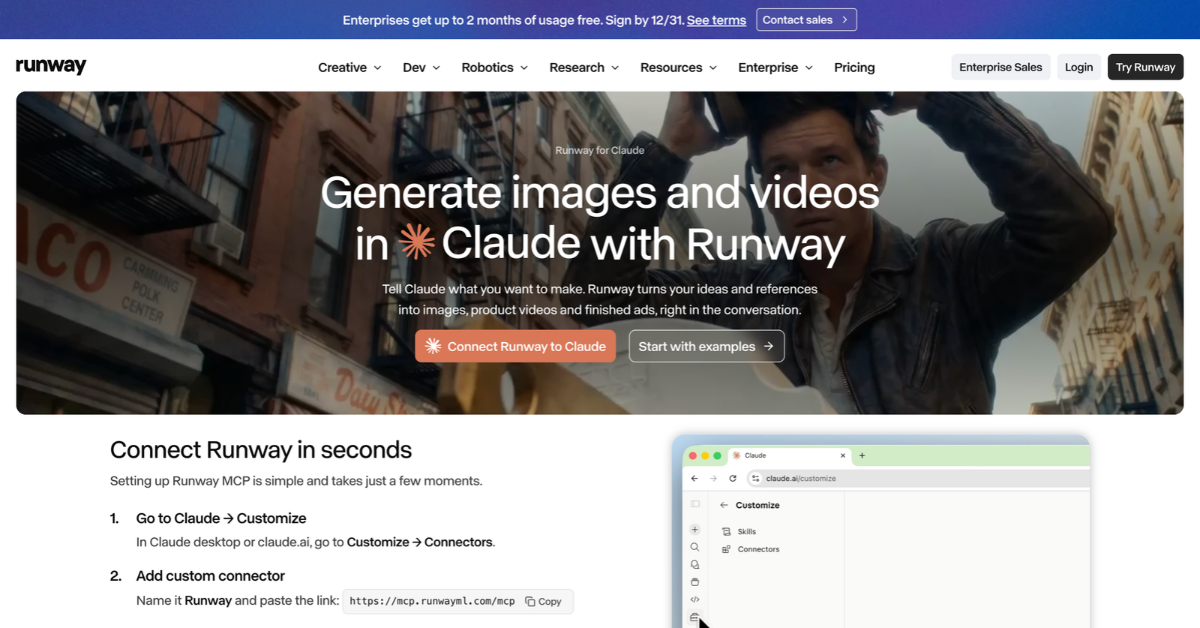
Need a cinematic establishing shot or custom B-roll that doesn’t exist on stock footage sites? Runway lets Claude generate original AI video clips and reference images right in your chat.
You can ask Claude to write a 5-scene script and immediately prompt Runway to turn those scene descriptions into animated video clips.
To use it, paste Runway’s hosted MCP server URL under ‘Add custom connector’ and sign in to your Runway account. All video generations will use your existing Runway credits.
3. Picsart Media Studio for Video/Image/Audio Generation
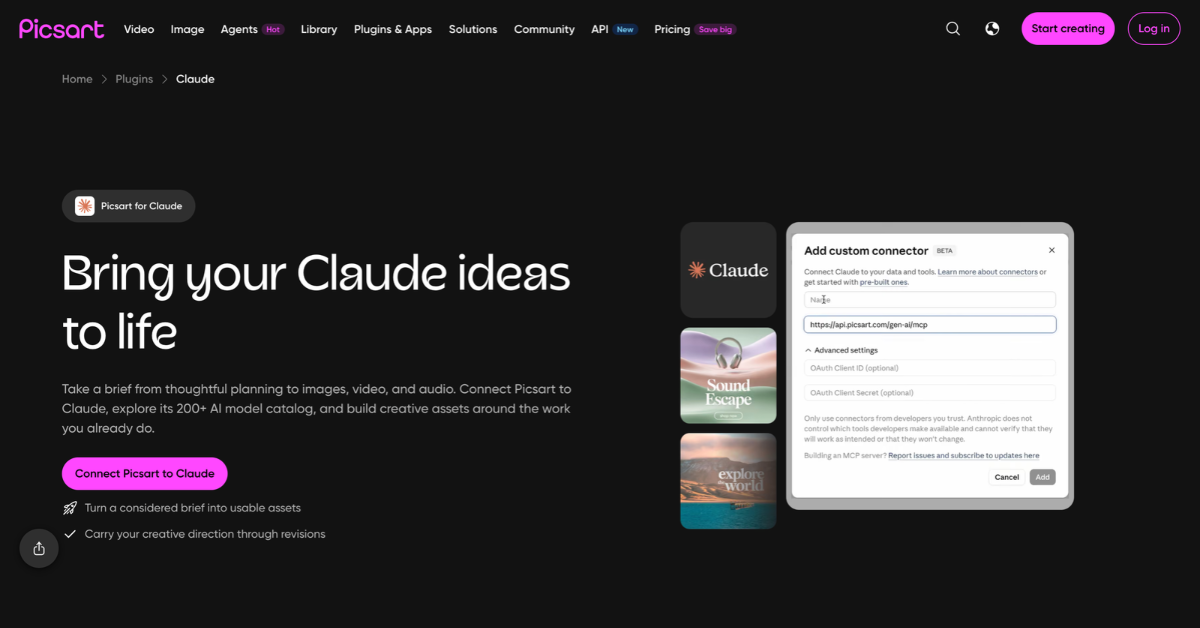
Need a Claude connector just for pure video generation?
Picsart Media Studio is exactly that. With it, you can integrate Claude with:
- Kling
- Veo
- Flux
- Seedance
- ElevenLabs
- Third-party editing tools for tasks like background removal or image upscaling
- 200+ more generative AI models
With this setup, content creators can take a rough campaign brief and ask Claude to generate:
- Storyboard visuals
- Short video clips
- Voiceover narrations
They can do all that in one conversation tab.
You can even ask Claude to run a free ‘dry run’ first to see how many Picsart credits a video will cost — before you render it.
4.Tella for Editing Recordings by Text
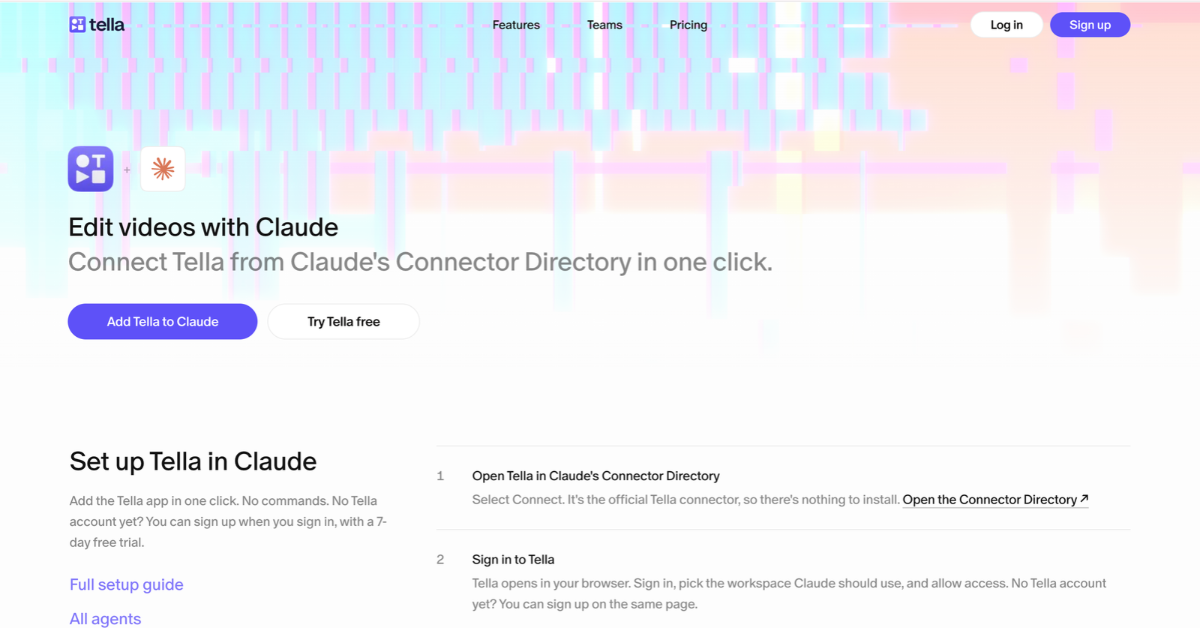
If you record tutorials, product demos, or talking-head videos, Tella’s Claude connector will let you take the tedium out of the rough cut very effortlessly.
- Save your recording in Tella
- Ask Claude to strip out all the ‘ums,’ filler words, or awkward silences
- Ask it to add zoom-ins on key moments
Claude will send those instructions to Tella and oversee their application.
5. Adobe for Polishing Your Footage
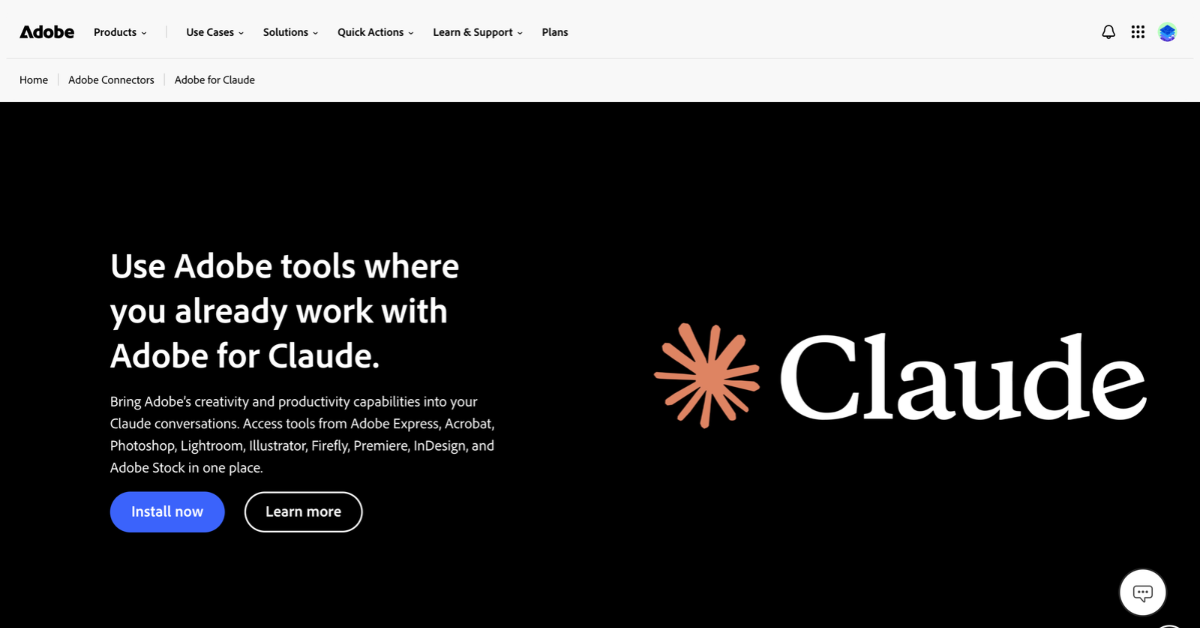
Adobe now has an official Claude connector.
You can connect to 50+ tools within the Creative Cloud with Claude, including Premiere, Photoshop, Adobe Express, and Firefly.
Integrate the connector with any of these tools. Then, you can send them plain-English commands like ‘remove background noise’ or ‘resize this video to fit Meta’s ratios’ – directly via Claude.
You can drastically boost your output if you use this setup with top-quality video clipping and editing software.
You can test roughly 40 Adobe tools in Claude for free as a guest. Or, sign in to your Creative Cloud account for higher limits.
Conclusion
You do not need to enable all 5 Claude connectors on day one. Get your design thinking cap on. Pick 1-2 connectors to target your biggest weekly content creation bottlenecks. So if researching takes a ton of your time, you can speed it up with vidIQ. Or generate fast B-roll footage with Runway.
That way, you can easily cut hours of tab-switching out of your production schedule.
FAQs
Q1- Can Claude connectors be used with Claude Code?
Yes.
The connector catalogue works across Co-work and Claude Code.
Q2- Are Claude connectors available on mobile devices?
Any connector you authorise on desktop automatically carries over to the Claude iOS/Android apps.
Q3- Can users connect their own MCP servers to Claude?
Yes. As seen with Runway.
Q4- Can multiple connectors be used in the same Claude account?
Yes. Multiple applications can be connected to one account and chained together within a single chat.
Q5- Do I need separate Claude subscriptions/credits to use connectors?
Not on a paid plan. However, pricing within the app you’re connecting to still applies.